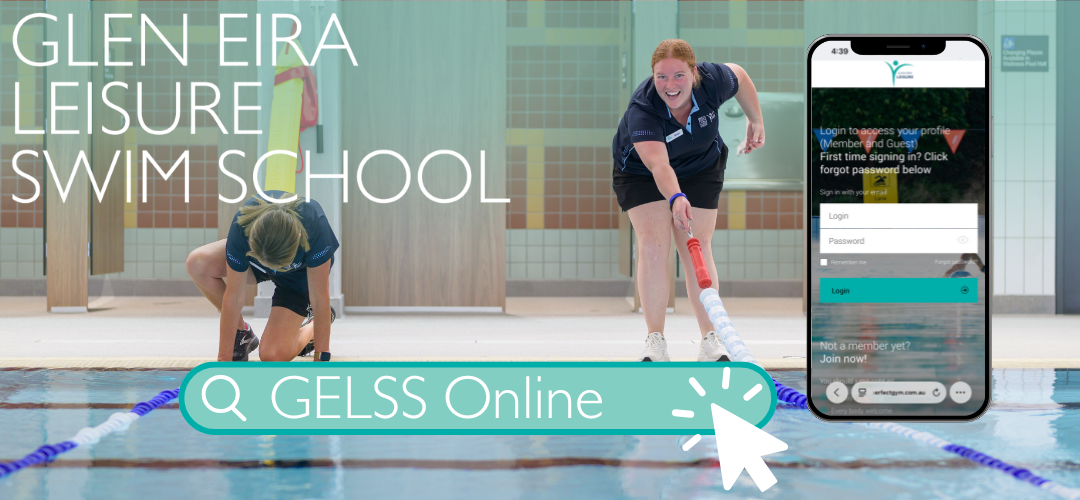
Be in control of your swim school membership wherever it suits you.
Our member portal makes it easy to manage your swimming journey with Glen Eira Leisure. Stay up to date, make changes and access helpful tools all in one place.

Be in control of your swim school membership wherever it suits you.
Our member portal makes it easy to manage your swimming journey with Glen Eira Leisure. Stay up to date, make changes and access helpful tools all in one place.
You can now suspend your Swim School membership through the Member Portal.
Log in to the Member Portal.
Select Account from the top menu. (On mobile devices, this option will appear at the bottom of your screen.)
Select Contract Details.
Switch to your child's profile. You should see your child's name displayed in the centre of the screen with the message "You're editing [Child's Name]". If another name is shown, switch to the child whose membership you wish to suspend.
Locate the Learn to Swim contract and click the arrow on the right-hand side to open the contract details.
Review the contract details, then select the dark grey Freeze Contract button at the bottom of the page.
Select Swim School Suspension from the available freeze options.
Choose your suspension start date. The end date will automatically be set for 7 days later.
Review the details and click Confirm.
A visual step-by-step guide with screenshots is coming soon.
Need help?
If you're having trouble suspending your membership, please complete our suspension request form or email GELAdmin@geleisure.com.au for assistance.
Our member portal lets you browse all available class times across both aquatic facilities. You can easily change your class time or location from the comfort of your own home.
This new feature helps busy families stay in control of their membership, making it simple to find a class that suits their schedule.
For a step to step instructions walking you through this feature please use the guide below:
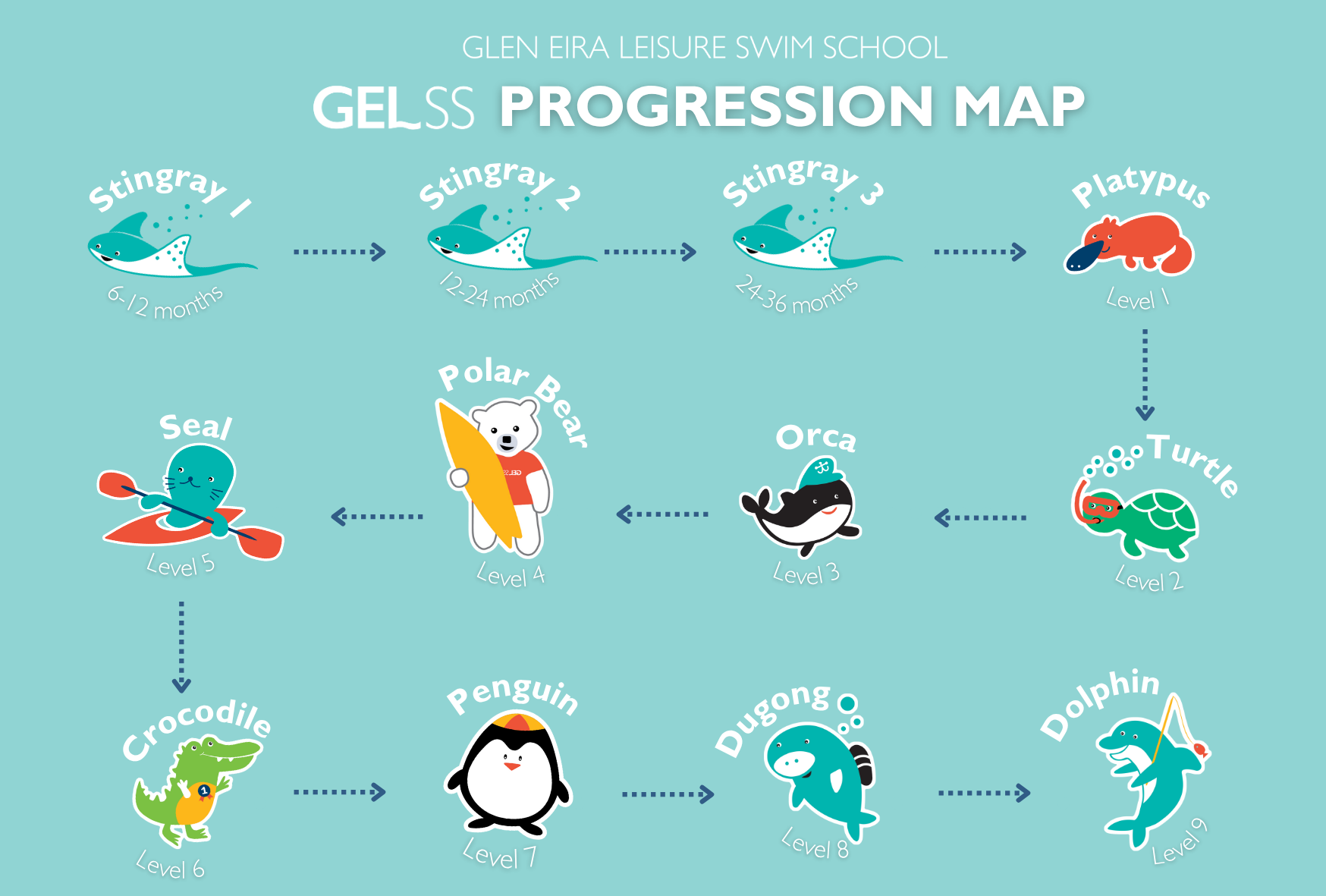
One of the great benefits of being part of our Swim School is the ability to follow your swimming journey anytime, anywhere. Through our Member Portal, you can easily check completed skills, see what is coming next and track progress towards the next level.
This convenient online tool helps you stay informed and motivated. You will know exactly what your child has achieved and what goals they are working towards, making it easier to celebrate milestones and support their learning.
Our member portal allows you to update your current payment method without having to come in. Simply follow the steps below:
Login to the member portal
Click 'Account’ on the top panel (this will be at the bottom if you are on a mobile)
Click ‘Payment settings’
Ensure your name appears in the middle (not your child's if applicable)
Click ‘Add new payment method’
Select between ‘Debit/Credit Card’ and ‘Bank Account’
Read through the terms and change the toggle to ‘yes’ once you have understood.
Next fill out your new payment details and click ‘submit’ once you have finished
Both your old and new payment methods will be shown
You can now delete your old payment method you no longer use.

© 2026 Glen Eira Leisure
